


We're excited to introduce Software Catalog — a new way for company admins to see all the software running across their Betty Blocks environment in one place. This first release lays the foundation: a single, organization-wide overview of your applications, external systems, and the APIs behind them.
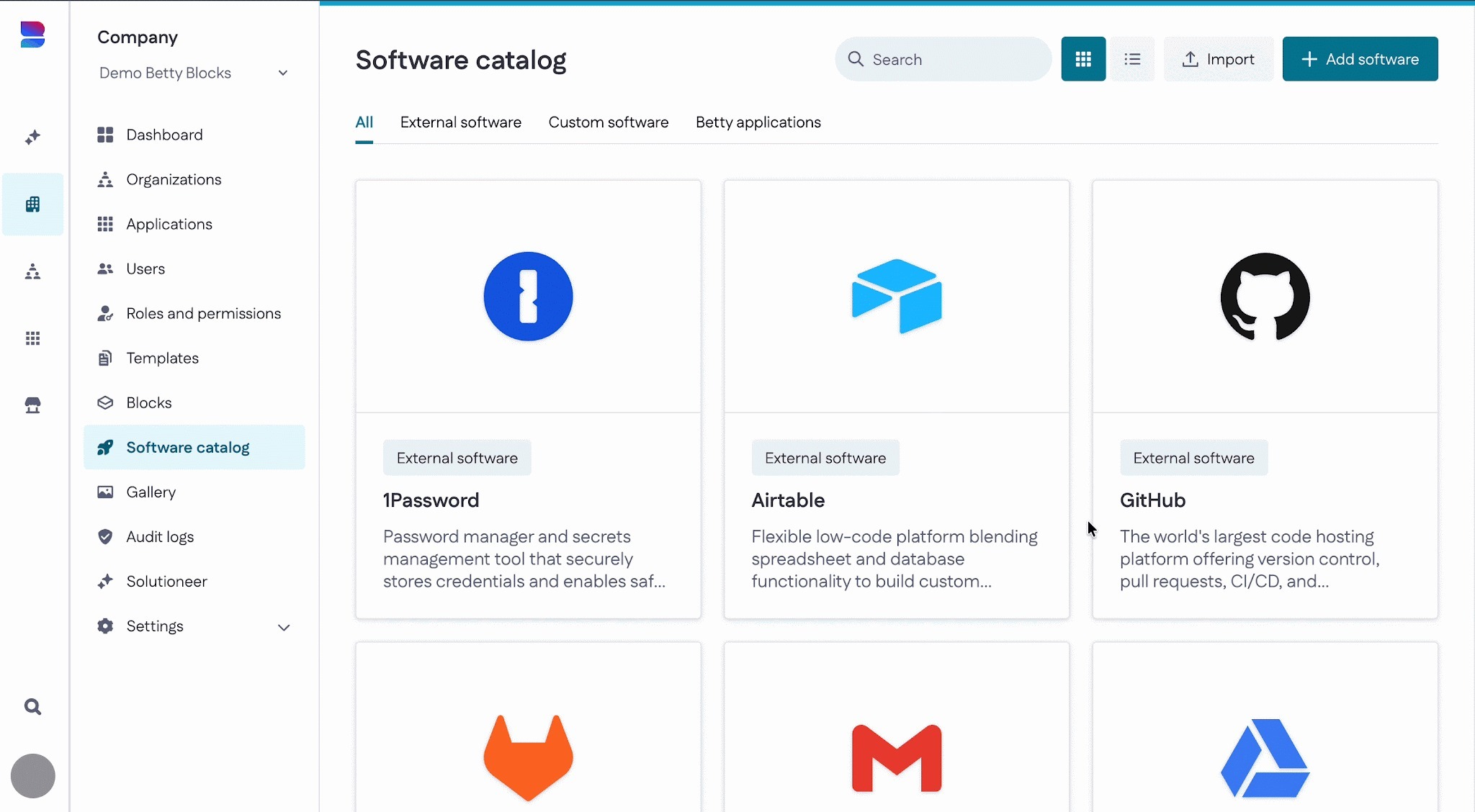
This helps company admins and IT governance leads understand their software landscape, prevent duplicate work, and keep control as their organization builds more.
What is new?
Software Catalog gives you one central registry of what your organization already has. In this first release, you can:
- See your live Betty Blocks apps – your running applications appear in the catalog automatically.
- Add external software – manually register the external systems you use, with a name, type, description, and owner.
- List API endpoints – point the catalog at an API's documentation and see all the available endpoints under that software.
- Import your portfolio – bring in your existing software list to fill the catalog faster.
Every entry is labeled so you know where it came from, and you can see which applications depend on what.
Why this matters
-
Governance & compliance – Show which systems are connected and where your data flows, supporting GDPR and internal security audits.
-
Impact analysis – See which applications depend on an integration before you change or remove it.
-
Prevent duplicate builds – Surface the software you already have before a new app is started, saving time and budget.
-
Cost control – Spot redundant or unused software and reduce unnecessary licensing costs.
-
Faster onboarding – New team members understand the connected landscape without digging into individual apps.
How to get started
Company admins can find the Software Catalog in the company overview.
- Software Catalog – the central list of all your software, applications, and their integrations.
- Add software – register external systems and, where available, list their API endpoints from documentation.
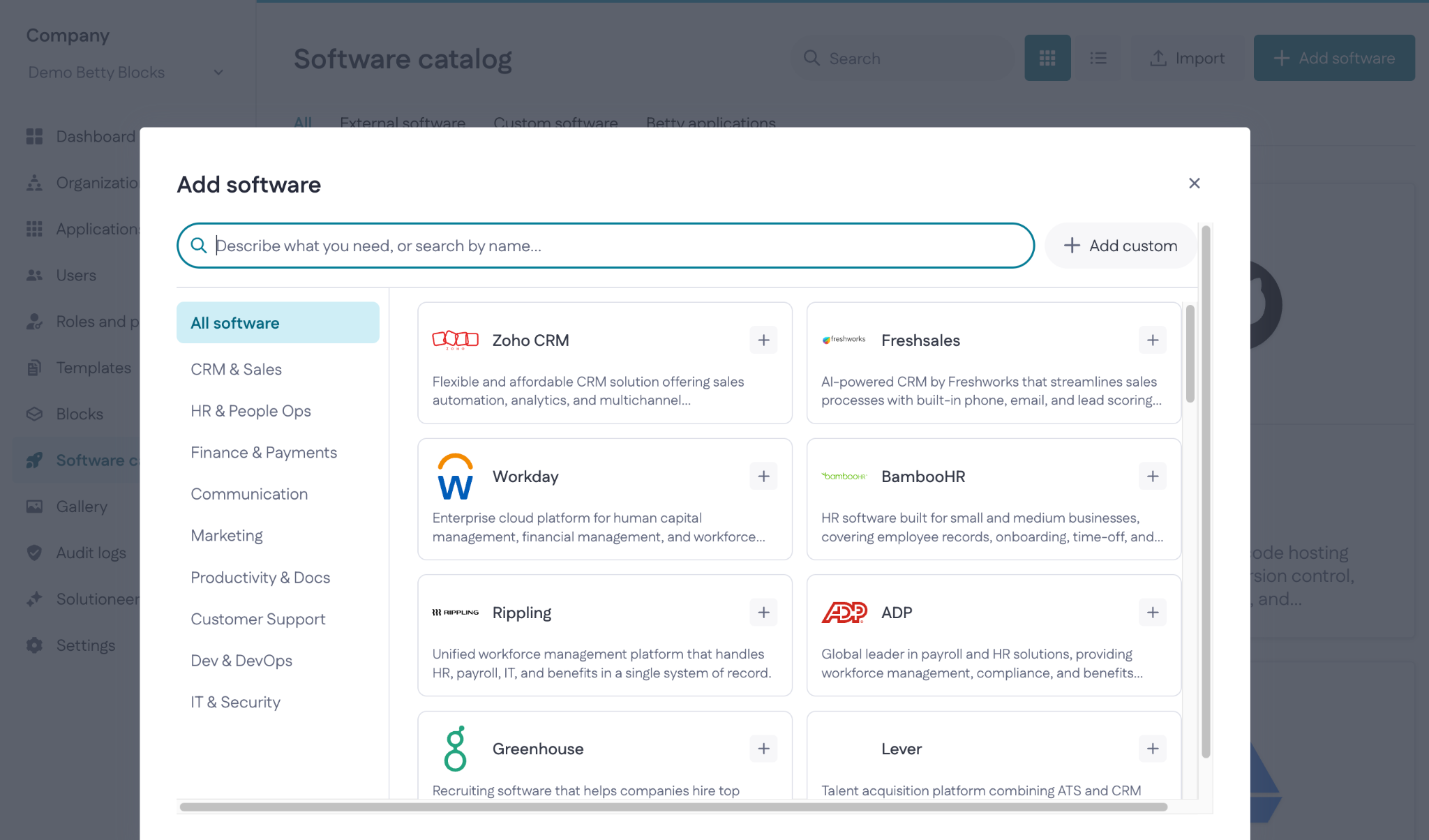
Read more in the documentation: Software Catalog
Next steps
This is just the beginning! In the upcoming sprints, we're adding more to Software Catalog. Here's what's coming soon:
Solutioneer checks your catalog for existing solutions. When a problem owner describes a new idea, Solutioneer will check it against the content of your Software Catalog and surface any software or applications that already solve the problem. Instead of building from scratch, you'll be pointed to what you already have — preventing duplicate work before it starts.
That is all for now. Your feedback allows us to continuously improve our product, so please let us know what you think. Happy building! 😃
